
Card Not Supported
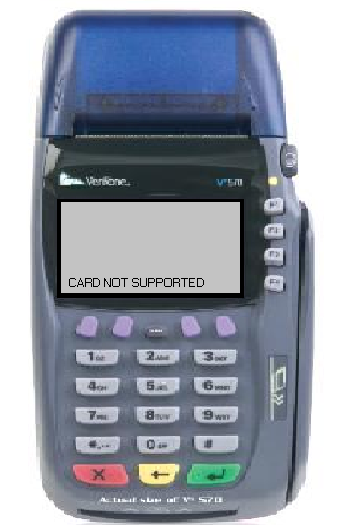
Oh YES IT IS Supported!
What it Means & What to Do
Typically, this means the pin pad has lost its connection with the terminal
- Unplug power from the terminal
- Unplug the pin pad from the back of the terminal
- Check port for dust, clean if necessary
- Unplug cord from pin pad, checking that port as well
- Plug the cord back in the pin pad
- Plug the pin pad back in to the terminal
- Plug the power back in to the terminal
- Run test debit transaction (You only need to test the swipe)
Contact
FTA Tech Support10429 S 51st St Ste 100
Phoenix
85044
888-535-3515 opt. 2
techsupport@the-fta.org