
Invalid Batch Sequence
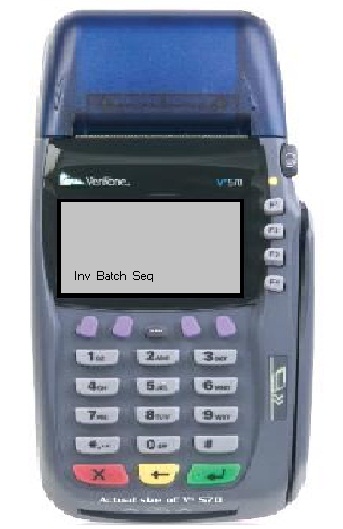
What it Means & What to Do
Terminal still has a pending batch from the previous day that has not been closed
You must confirm the batch has been force closed with First Data BEFORE changing the device ID
Once batch is closed & terminal updated, perform test transaction to verify
Clear the Batch
Press Clear Batch and you're all set.
Changing the Device ID
Contact
FTA Tech Support10429 S 51st St Ste 100
Phoenix
85044
888-535-3515 opt. 2
techsupport@the-fta.org